No products in the cart.



$250.00Earn 250 points!
1 in stock
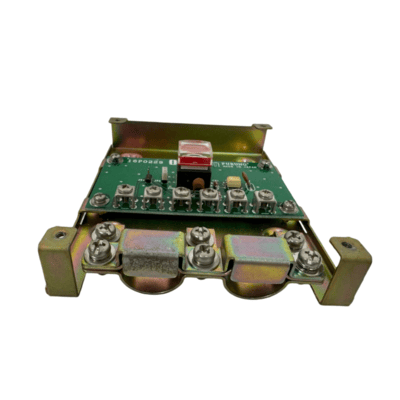
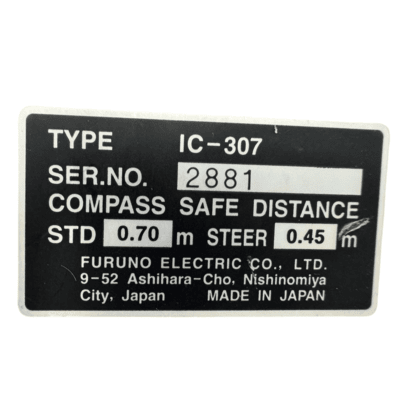
The Furuno IC-307 SSAS (Ship Security Alert System) Alert Button is a SOLAS-compliant emergency security device designed to discreetly transmit a security alert when a vessel is threatened by piracy, terrorism, or unauthorized boarding. Installed in concealed locations onboard, the IC-307 enables crew members to silently activate a distress alert without triggering any audible or visual alarms, helping maintain crew safety during security incidents.
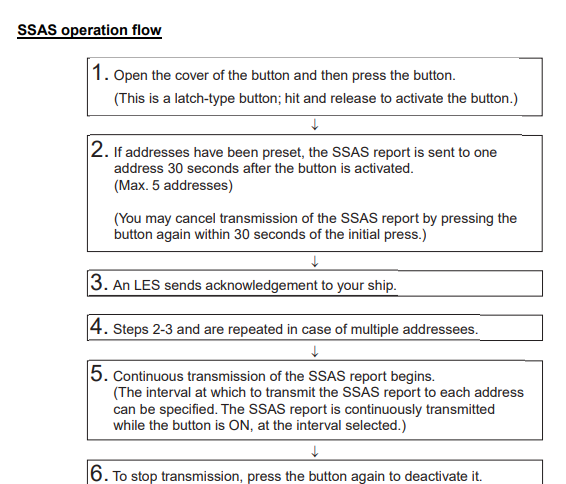
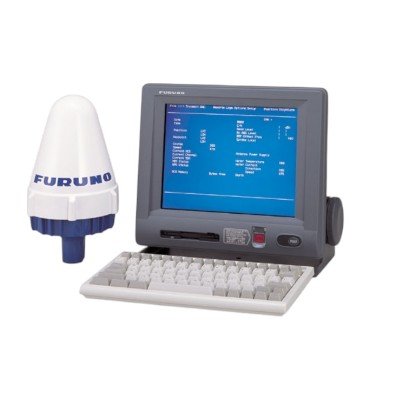
When activated, the IC-307 works with compatible Furuno FELCOM Inmarsat-C terminals (including FELCOM 15, 16, 18, and 19) to automatically send a Ship Security Alert (SSAS) containing the vessel’s identity, position, time, and other essential information to pre-programmed shore-based security contacts. The alert is transmitted approximately 30 seconds after activation and can continue at preset intervals until it is cancelled by authorized personnel.
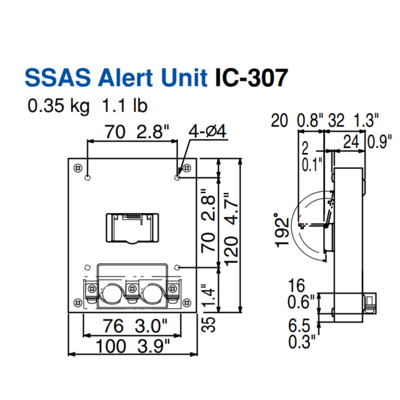
1. Remove four screws from the unit to separate the bottom chassis from the top cover.
2. Fix the unit to the mounting location with four self-tapping screws (supplied).
3. The cable can be lead in from the bottom or the rear panel. For rear panel entrance,
change the clamp orientation as follows:
a) Unfasten three screws to remove the cable clamp.
b) Turn the clamp 90 degrees.
c) Refasten the clamp with three screws unfastened at step a) to fix the clamp.
4. Run the cable thru one of the cable entrances and connect it to terminal board.
5. Attach the switch cover as shown below. Note that the cover may be turned 180° to
change cover opening direction.




There are no reviews yet.