No products in the cart.


$200.00Earn 200 points!
8 in stock
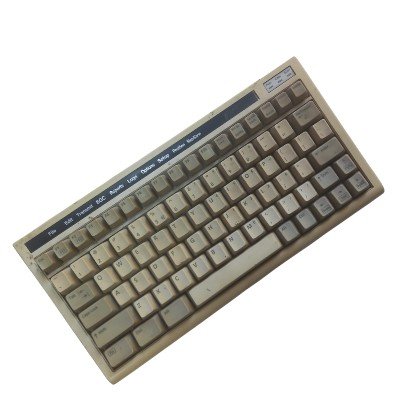
The [ALARMRESET] button is located on the front panel of the unit. The IC-306 beeps and the indicator in the [ALARM RESET] button flashes when a telex or e-mail is received, as well as in case of an external equipment failure. To silence the alarm sound, press the [ALARM RESET] button. To turn off the alarm and the indicator flashes, press the [F10] key on the terminal keyboard. The Furuno IC-306 is used in conjunction with the Inmarsat terminals Furuno Felcom 18 and Felcom 19.












There are no reviews yet.